
Download Windroid Toolkit – Android recovery, root, unlock bootloader, custom recovery, TWRP, APK installer, kernel flasher, Android tools
Overview
Windroid Toolkit is a Windows-based utility designed to simplify the management of advanced Android device functions through an accessible interface. Targeted primarily at users interested in modifying their Android devices—whether for customization, performance enhancement, or system recovery—the toolkit serves as a centralized tool for critical operations such as rooting, bootloader unlocking, and installing custom recoveries like TWRP. It is particularly useful for individuals seeking to gain deeper control over their devices without needing extensive technical knowledge.
The application addresses common challenges faced during Android development and device customization, including complex command-line procedures and device-specific compatibility issues. By providing step-by-step guidance, Windroid Toolkit lowers the barrier to entry for both beginners and intermediate users exploring advanced Android features. Its focus on usability and accessibility makes it a valuable asset in the Android enthusiast ecosystem, especially for those preparing to install custom ROMs or troubleshoot system-level issues.
Developed by WinDroid, the toolkit has been available since 2016, indicating a long-standing presence in the Android modification community. Although the developer did not provide additional technical details about their background or support structure, the app’s continued relevance suggests consistent functionality across device models and operating system versions. Real-world use cases include preparing devices for custom firmware, recovering from boot loops, or enhancing device capabilities through root access and kernel modifications.
Key Features & Functionality
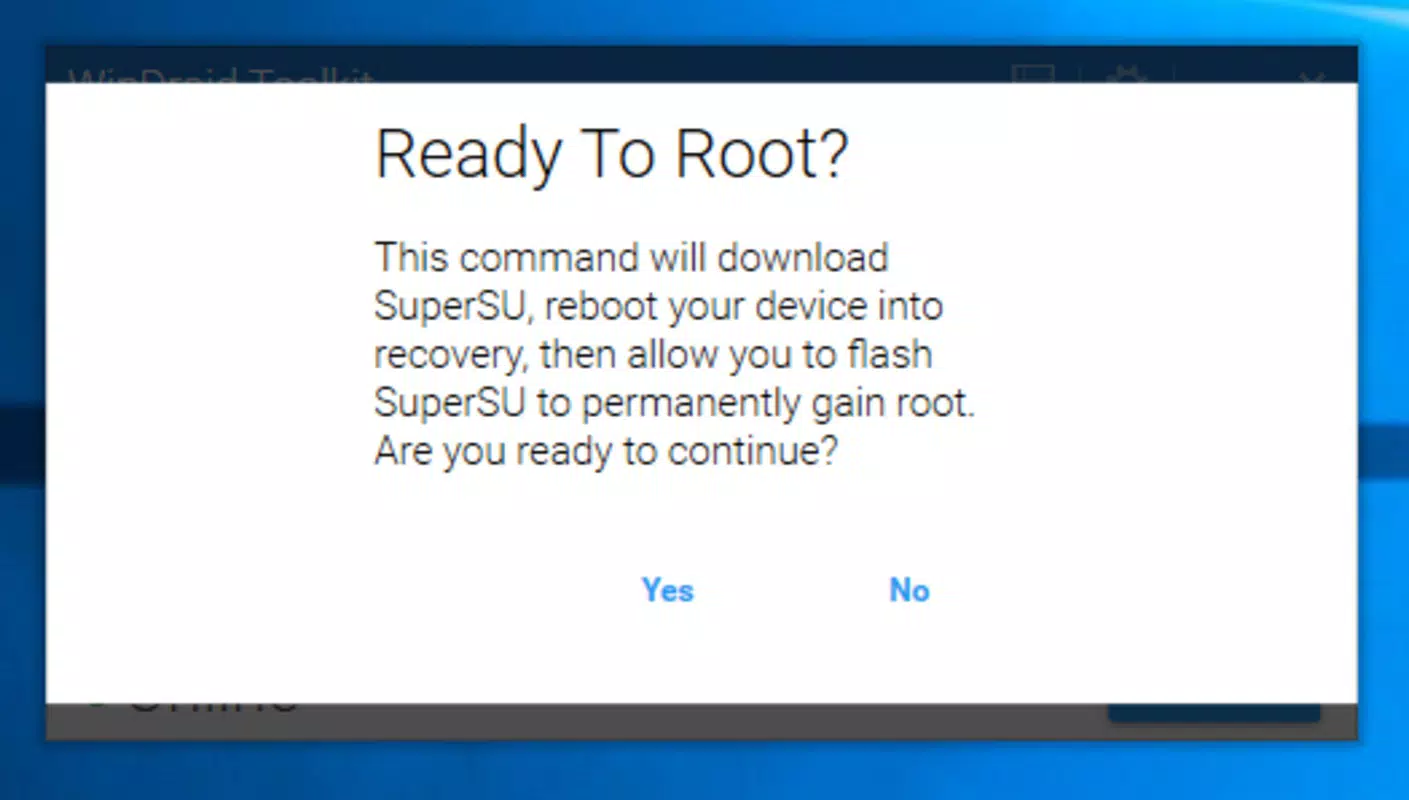
- Rooting Made Simple: The toolkit enables users to root their Android devices through guided procedures, granting administrative access to system files. This allows for deeper customization, removal of bloatware, and installation of apps that require elevated permissions.
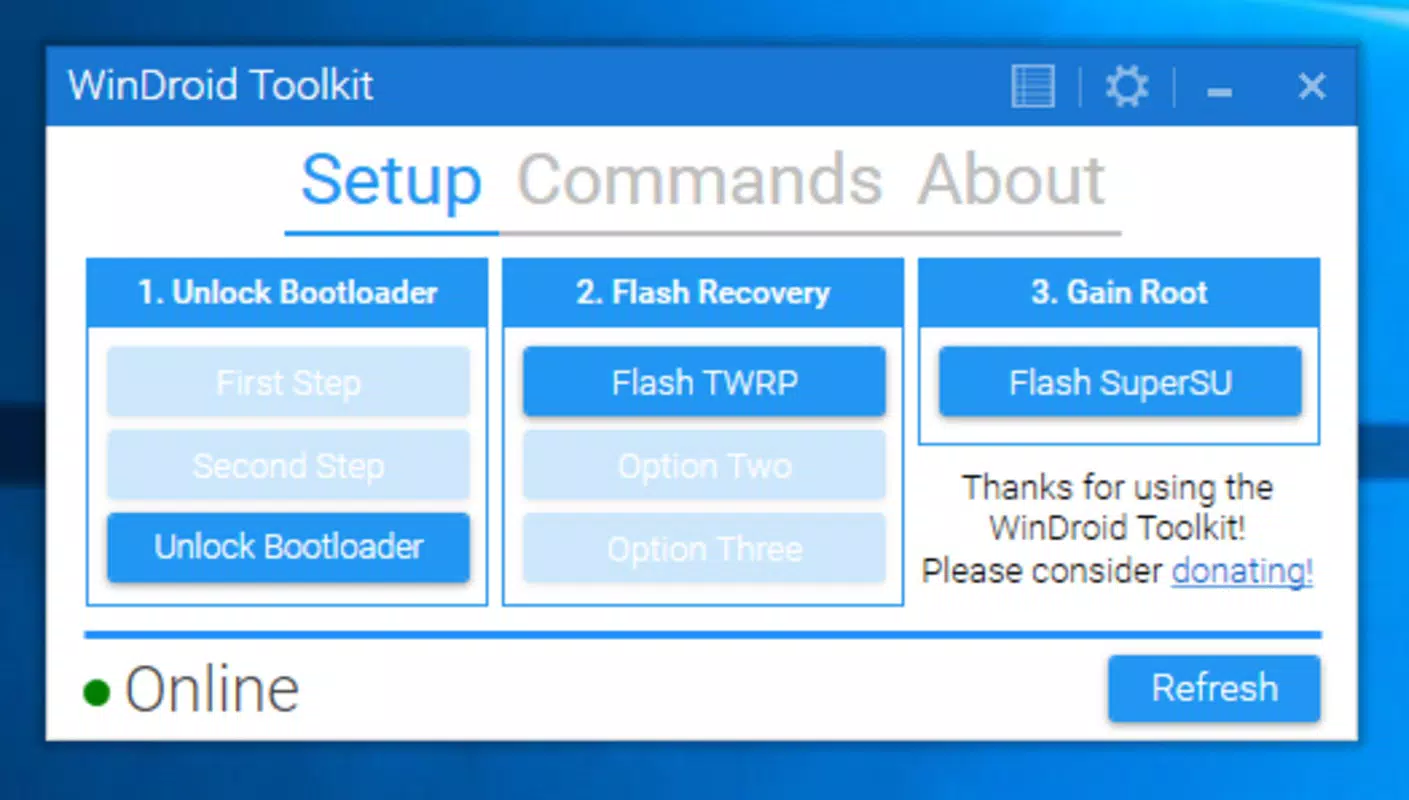
- Bootloader Unlocking: With a streamlined process, users can unlock their device’s bootloader—a prerequisite for installing custom ROMs and recovery environments. The toolkit supports a wide range of devices, reducing the complexity of device-specific unlock procedures.
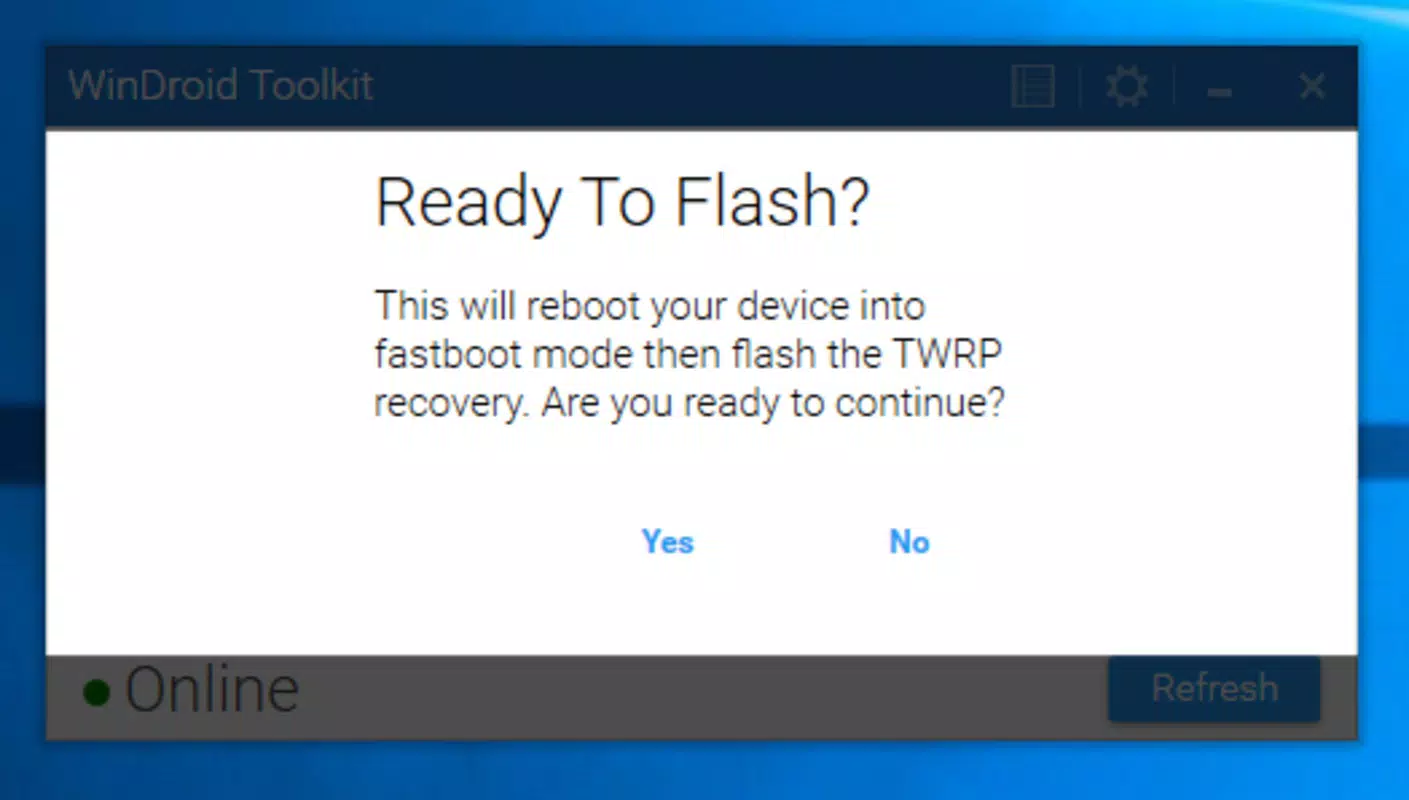
- Custom Recovery Installation: Windroid Toolkit facilitates the installation of custom recovery environments such as TWRP, allowing users to back up data, flash ROMs, and manage system partitions more effectively than with stock recovery.
- APK Installation from Local Files: Users can install applications directly from APK files stored on their computer, bypassing the need for online app stores or sideloading via USB with manual ADB commands.
- Kernel Flashing Support: The toolkit includes functionality to flash custom kernels, enabling performance tuning, improved battery life, or enhanced hardware compatibility.
Each feature is designed with a practical workflow in mind. For example, a user preparing to install a custom ROM can follow a sequence: unlock the bootloader → install TWRP → flash the ROM → reboot. The toolkit guides each step with clear on-screen instructions, minimizing the risk of user error. This structured approach benefits both novice users exploring Android customization and experienced developers seeking efficiency.
Interface, UX & Performance
Windroid Toolkit features a clean, minimalistic interface optimized for desktop use. The layout is organized into clearly labeled sections, each corresponding to a core function such as rooting, recovery installation, or kernel flashing. Navigation is intuitive, with a central dashboard that provides quick access to all available tools. Visual cues and progress indicators help users track the status of ongoing operations, enhancing transparency and user confidence.
Although the developer did not list formal performance metrics, the application’s lightweight footprint of 42.7 MB suggests efficient resource usage. It operates smoothly on standard Windows systems, with responsive controls and minimal lag during task execution. The toolkit maintains stability across multiple device connections, ensuring consistent behavior during critical operations like bootloader unlocking or recovery flashing.
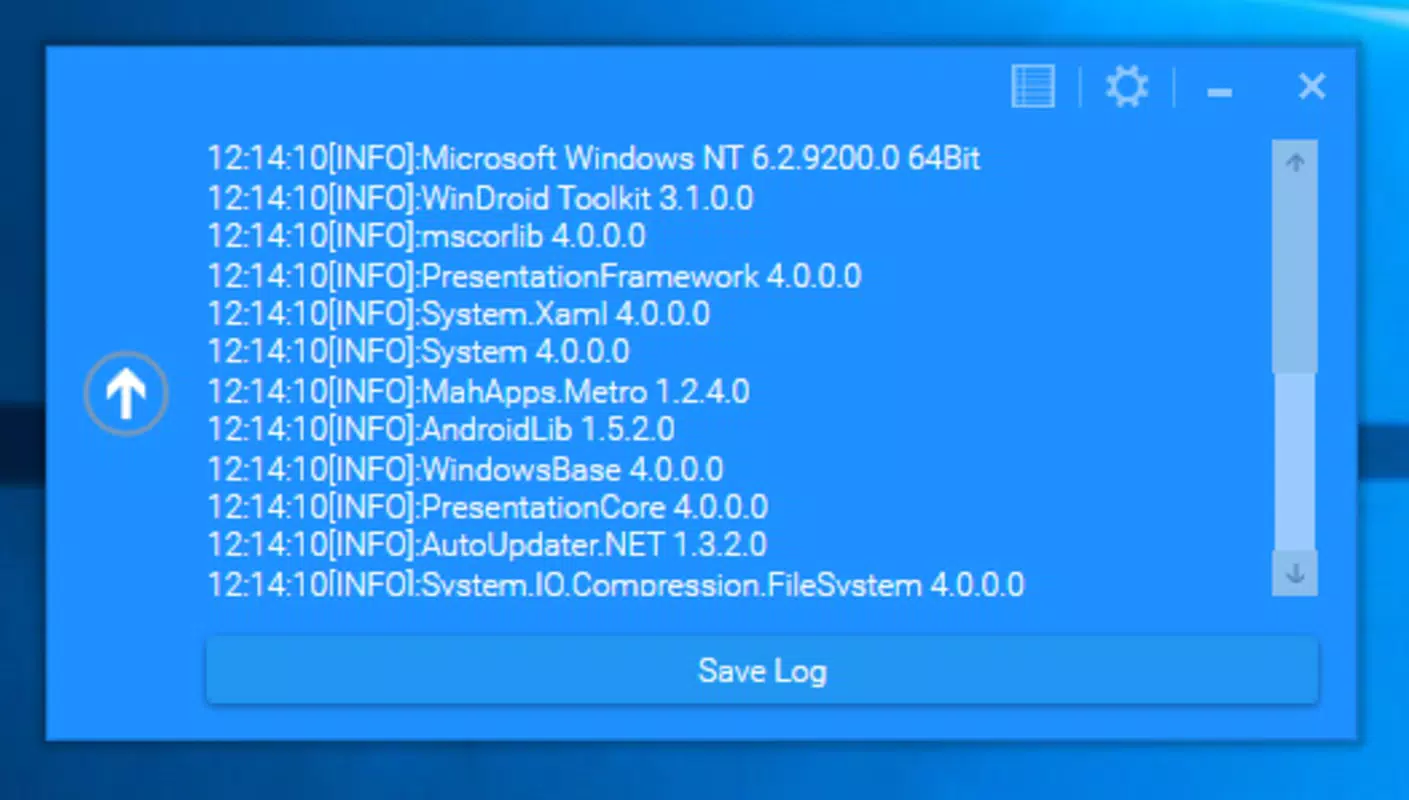
Users can expect reliable performance on mid-range and high-end desktop systems. However, compatibility with older Windows versions or low-memory environments was not specified. The absence of real-time error reporting or logging features may limit troubleshooting for advanced users, but the step-by-step guidance compensates for this limitation in most cases. Overall, the UX prioritizes clarity and safety, minimizing the risk of irreversible device changes.
Platform Compatibility & Technical Requirements
Windroid Toolkit is designed exclusively for the Windows operating system. It requires a Windows-based computer to function, with no native support for macOS or Linux environments. The current version is 2.1.0, released on August 12, 2016, and has a file size of 42.7 MB. While the developer did not specify minimum OS requirements, the app’s age suggests compatibility with Windows 7 and later versions, including Windows 10 and Windows 11.
Specific hardware or driver requirements were not listed. Users are expected to have a working USB connection to their Android device, with USB debugging enabled. The toolkit may rely on standard Android SDK tools and ADB drivers, which are typically included in the installation package or available through third-party sources. However, the developer did not disclose whether these dependencies are bundled or require manual setup.
Pros and Cons
- Completely free to use, eliminating cost barriers for users exploring device customization
- Intuitive interface with step-by-step instructions suitable for beginners
- Supports multiple advanced Android operations in one unified tool
- Compatible with a wide range of Android devices, increasing accessibility
- Lightweight size (42.7 MB) ensures quick installation and minimal disk usage
- Released in 2016; may lack support for newer Android versions or devices
- No official update history or changelog provided by the developer
- Platform is limited to Windows; no support for macOS or Linux
- Developer did not disclose technical requirements or dependency details
- No built-in error logging or advanced diagnostic tools for troubleshooting
FAQ
Is Windroid Toolkit safe to use?
Yes, the toolkit is designed to guide users through safe, documented processes. However, actions like rooting or unlocking the bootloader may void warranties and carry risks if not performed correctly.
Can I use Windroid Toolkit on macOS or Linux?
No, the application is only compatible with Windows operating systems. There is no official version available for macOS or Linux.
Do I need to enable USB debugging?
Yes, USB debugging must be enabled on your Android device for the toolkit to communicate with it. This is a standard requirement for most advanced device management tools.
Is Windroid Toolkit regularly updated?
The developer did not provide information about update frequency. The latest version available is 2.1.0, released in 2016.
What should I do if the toolkit fails to detect my device?
Ensure USB debugging is enabled, the device is properly connected, and the correct drivers are installed. Some older devices may require additional driver setup not covered by the toolkit.
Final Thoughts
Windroid Toolkit remains a functional and accessible solution for users seeking to unlock advanced Android capabilities through a simplified desktop interface. Despite its age, the app continues to serve its core purpose—streamlining complex processes like rooting, bootloader unlocking, and custom recovery installation. Its free model and intuitive design make it a strong choice for hobbyists, developers, and enthusiasts who value control over their devices.
While it lacks modern features such as automatic updates, cross-platform support, and detailed diagnostics, its focused functionality and lightweight nature ensure reliable performance on compatible systems. Users should be mindful of its release date and verify compatibility with their specific device and Android version before proceeding.
For those exploring Android customization or preparing to install custom ROMs, Windroid Toolkit offers a dependable starting point. Download Windroid Toolkit now


